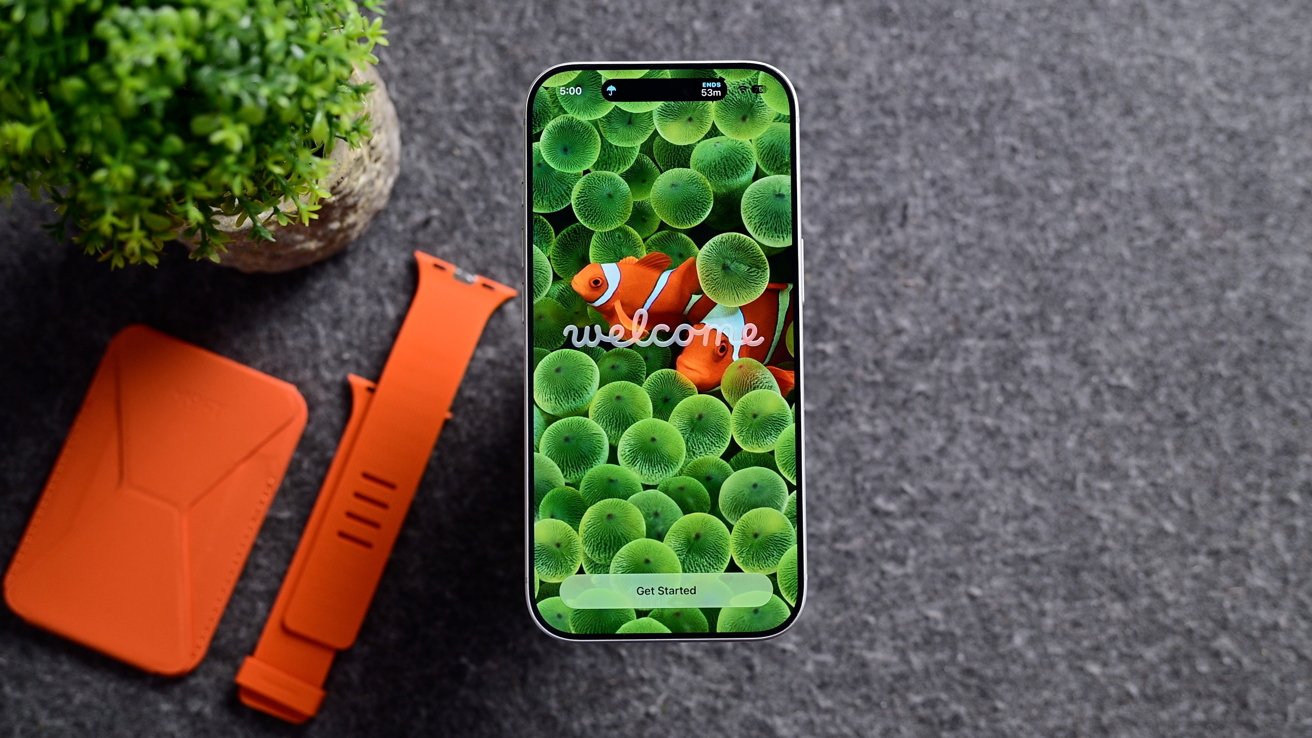





Apple has officially released iOS 27 to the public, introducing a major overhaul of Siri alongside a range of new AI-powered features designed to enhance the iPhone experience.
First unveiled at WWDC 2026 in June, iOS 27 has gone through multiple rounds of developer and public beta testing ahead of its official release. The update now arrives as Apple prepares for the upcoming launch of the iPhone 18 Pro and iPhone 18 Pro Max, making the latest software available to iPhone users worldwide.
Apple is also continuing its revised operating system naming approach, with the number reflecting the year in which the software will be used most extensively. While iOS 27 will be available during part of 2026, the majority of its lifespan will fall in 2027.
As with previous major iOS updates, iOS 27 introduces a number of changes and improvements. However, one of the most significant additions is a long-awaited transformation to Siri.
iOS 27 Brings Major Siri AI Upgrade
The biggest highlight of iOS 27 is Apple's long-awaited Siri overhaul. The revamped assistant was originally announced at WWDC 2024 but faced delays in early 2025. With iOS 27, Apple is finally bringing the redesigned Siri experience to users.
The updated Siri is powered by Apple's Foundation Model, developed with Google's Gemini technology, providing a stronger AI foundation for Siri and other Apple Intelligence features.
Apple has also introduced a new System Orchestrator that brings together the different components of Apple Intelligence and allows them to work as a more unified system.
As a result, Apple's AI capabilities can now operate across different types of content and tasks, whether users are working with images, text or other information, creating a more integrated intelligence experience across the iPhone.
macOS Golden Gate Arrives, Bringing Siri AI to a Remarkable New Level
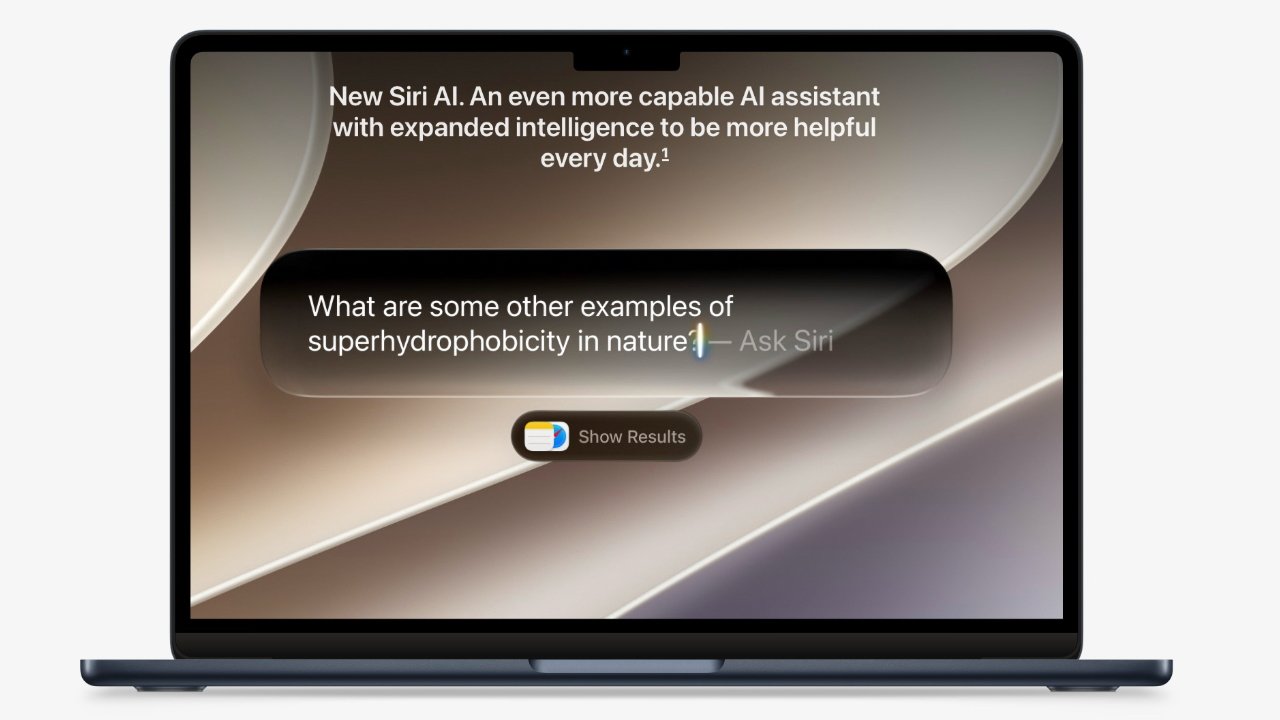
After months of beta testing, Apple has officially launched macOS Golden Gate, bringing a combination of notable upgrades and a few lingering shortcomings. Among its biggest highlights is Siri AI, which delivers a dramatically improved experience on the Mac.
Calling it “fantastic” may sound ambitious, but despite a handful of areas where it still falls short, Siri AI has made significant progress. Until now, Siri on the Mac often felt slow, awkward and considerably less useful than its iPhone counterpart.
Siri AI Gets a Major Makeover
With macOS Golden Gate, Siri AI has been integrated directly into Spotlight, putting it just a keyboard shortcut away whenever you need it. The familiar small Siri window tucked into the corner is gone, replaced by a much more capable and flexible interface.
More importantly, you no longer have to stop what you're doing and wait for Siri to complete a request.
For example, you can open Spotlight and ask Siri AI to locate an old email containing specific information you previously sent to a charity for an advertisement. Instead of manually searching through years of messages, Siri AI can track down the relevant email and provide the information while you continue working.
That ability to keep working while Siri searches is arguably just as important as the improvements to what Siri can actually do. The new Spotlight/Siri AI window appears in the centre of the screen, but it can easily be moved aside, allowing you to continue typing or working on another task.
For me, this has made Siri AI genuinely useful on the Mac. Whenever I know that a particular document, email or piece of information is somewhere on my Mac, Siri AI has become one of the first tools I turn to.
One particularly useful example was an urgent email containing information needed for a charity advertisement. The request arrived while I was busy recording the AppleInsider podcast, so being able to have Siri AI locate the message almost instantly without interrupting my workflow proved to be a major advantage.
Apple Rolls Out iOS 27 with Significant Photos and Siri Enhancements