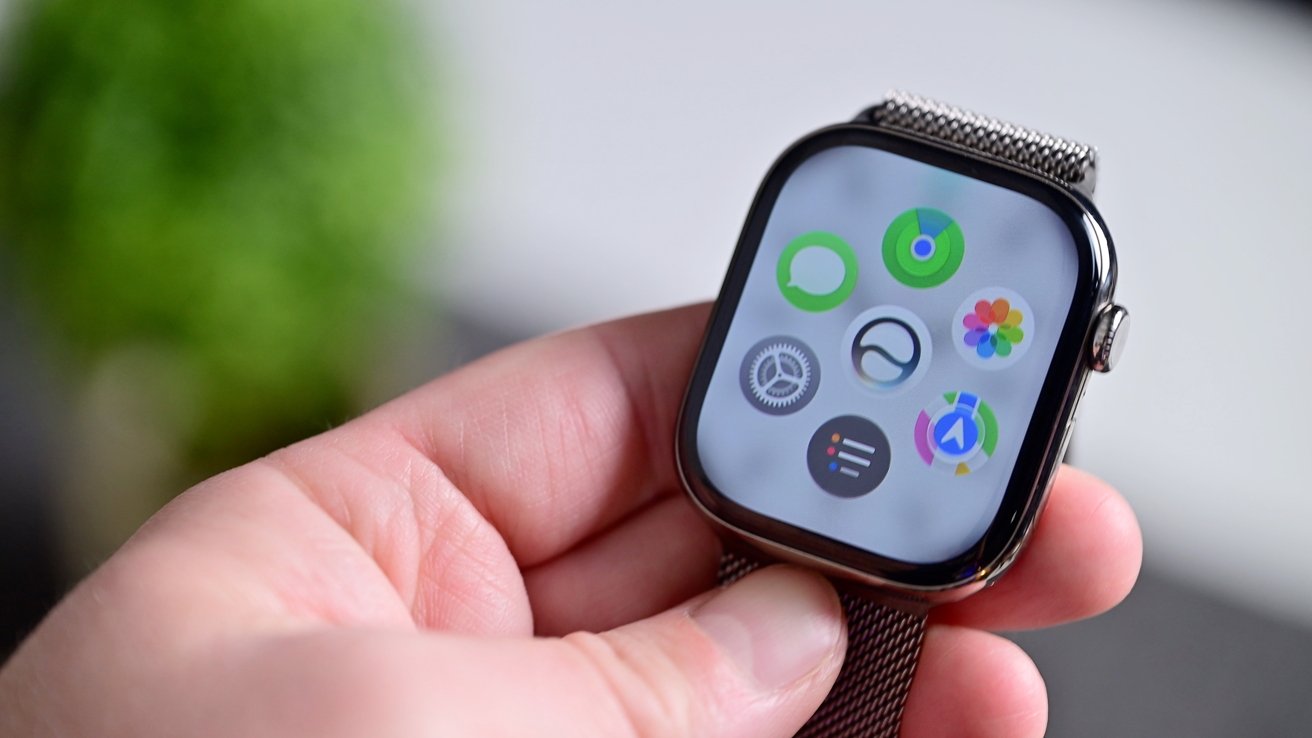
Apple is reportedly preparing to introduce a new artificial intelligence feature called “Recaps” to its upcoming Apple Watch models, offering users a way to review key moments from their day while maintaining the company’s long-standing focus on privacy.
According to reports from Bloomberg and Apple analyst Mark Gurman, the feature is expected to arrive with the 2026 Apple Watch upgrades, including the Apple Watch Series 12 and Apple Watch Ultra 4. The new models are said to include secure audio-processing hardware designed to handle the feature’s requirements.
Recaps is reportedly designed to collect information throughout the day and use it to generate a personalised summary of a user’s activities and experiences. However, the feature is also expected to process snippets of conversations that may be overheard during the day, raising potential privacy questions.
Apple’s approach reportedly differs from conventional recording-based AI wearables. Users will not be able to access transcripts of conversations, while audio is not expected to be stored for the feature to operate. Instead, the Watch would process relevant information in real time, extract the necessary data points and discard the underlying audio as it goes.
Users may also have control over when Recaps is active. The feature could reportedly operate throughout the day, be activated manually when required or be configured to work only in specific locations.
Apple’s Privacy-Centred Approach to AI Wearables
The introduction of Recaps would place Apple among technology companies exploring AI-powered wearable experiences while attempting to address the privacy concerns surrounding always-on devices.
Apple has historically positioned privacy as a core part of its product strategy, and the company is expected to emphasise its on-device processing and data-minimisation approach when introducing the new feature.
With Apple’s major product event approaching, further details about Recaps, its availability and the hardware requirements are expected to be revealed shortly.
Inside iMovie: A Beginner’s Guide to Video Editing on iPhone and iPad
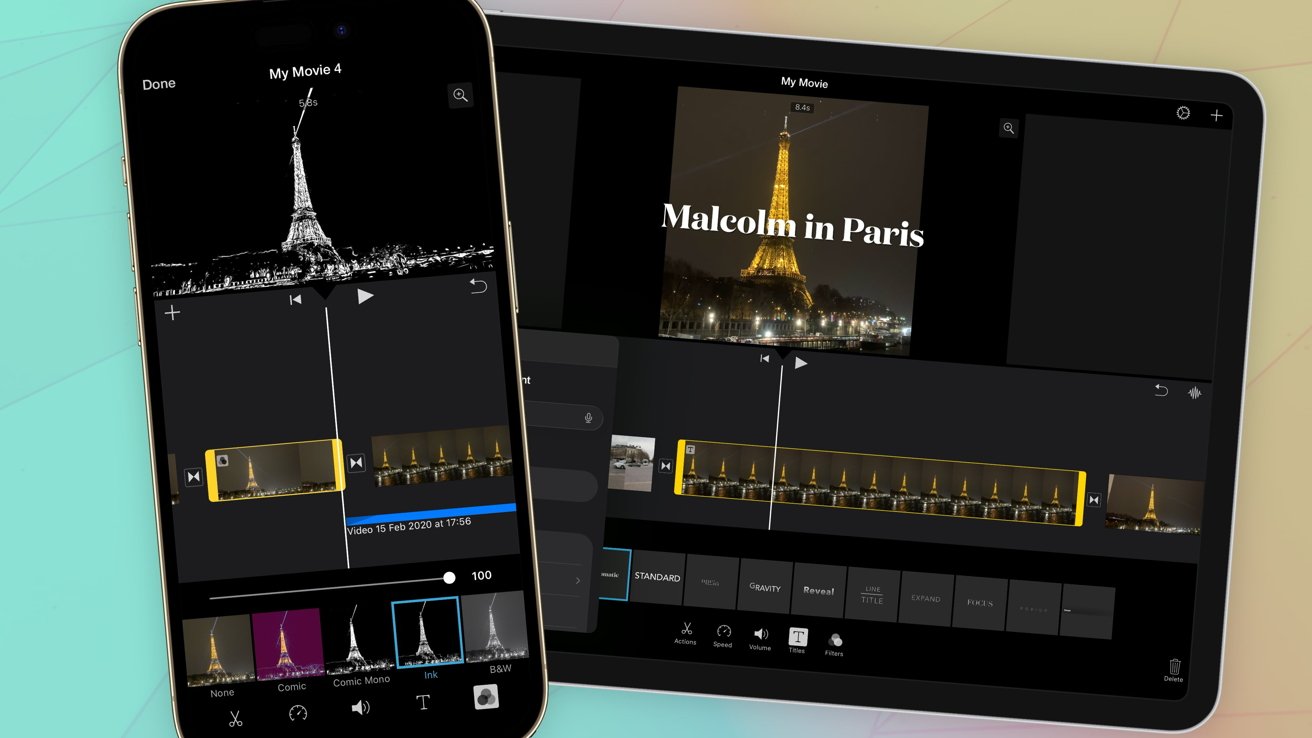
For many iPhone users, creating a video is as simple as opening the Camera app, recording a few clips and leaving them stored in Photos. Those who frequently use social media may instead record directly through their preferred platform and rely on its built-in editing tools to create quick and engaging content.
However, users who want greater control over how their videos look and tell a story may eventually turn to dedicated video-editing applications. While the Photos app allows users to trim clips and create Memories from their media, it offers limited control when it comes to building a more structured and personalised video.
This is where iMovie comes in.
Apple's iMovie has been part of its software ecosystem for years, offering an accessible way for users to turn their video clips into polished productions. The app is primarily designed for beginners and amateur creators rather than professional filmmakers.
Professional users may prefer more advanced editing platforms such as Adobe Premiere or Final Cut Pro. iMovie, by comparison, focuses on keeping video editing simple, approachable and relatively casual. While it is unlikely to be the tool behind the next major Hollywood blockbuster, it is more than capable of putting together memorable videos from a holiday, family event or special occasion.
One of iMovie's biggest advantages is its price: the app is free to use. That makes it an appealing option compared with many competing editing applications that rely on subscriptions or paid features.
Another benefit is the flexibility of the videos it produces. Once editing is complete, users are left with a standard video file that can be shared across different platforms without being tied to a particular social network.
This is especially useful when compared with videos edited directly within social media applications, which may add platform-specific elements or branding. iMovie does not add a watermark to exported videos, making the finished content easier to share across multiple social platforms.
New Apple Watches Set to Gain Siri AI ‘Recaps’ Feature Inspired by AI Wearables