





Apple’s long-rumoured smart home display, designed to serve as a central hub for Apple Home, could be nearing its launch. While many of the details surrounding the device have circulated for some time, recent developments suggest that Apple may finally be preparing to bring it to market.
The smart home hub was initially expected to launch in spring 2025, but reports indicated that delays surrounding Apple Intelligence pushed the release back. With Apple Intelligence and the company’s AI-powered Siri continuing to advance, the device is now expected to have a more promising path to launch in 2026.
As anticipation builds, new reports and rumours have provided additional details about the device, including its potential design and form factors.
Two versions for different spaces
The unnamed Apple Home smart display is reportedly being developed in two versions. The first is expected to be a countertop model featuring an approximately 7-inch display mounted on a fabric-covered, half-sphere base.
A second version is reportedly designed for wall mounting and is also expected to feature a 7-inch display. Both models would therefore be slightly smaller than Apple’s current 8.3-inch iPad mini.
Details about how the wall-mounted model would be installed remain unclear. Given Apple’s emphasis on simplicity and ease of use, however, it seems unlikely that users would be expected to undertake complex wiring themselves. A battery-powered design with a magnetic mounting system could provide a more convenient solution.
The new device is expected to play a central role in Apple’s smart home ecosystem, potentially giving users a dedicated way to control connected devices, access information and interact with Apple’s AI-powered services around the home.
How to Run Wallpaper Engine Files on Mac—with Some Limitations
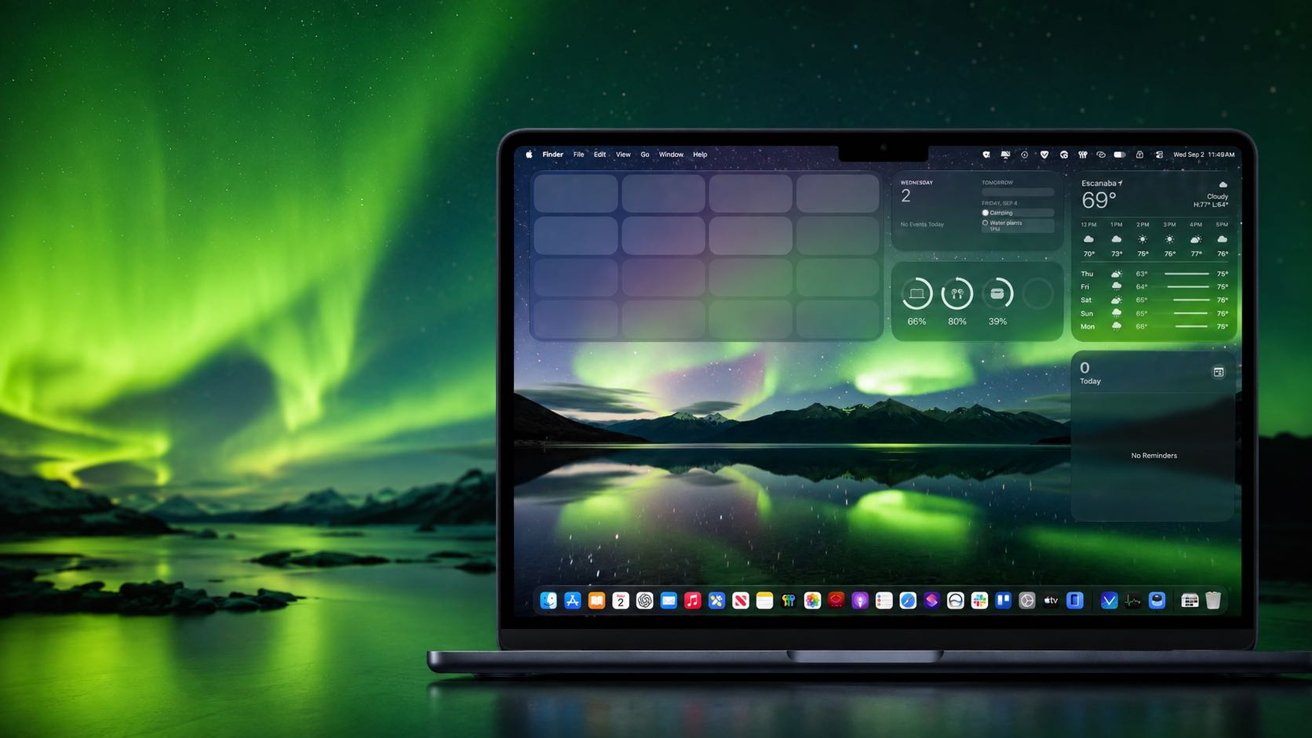
Mac users can now run Wallpaper Engine animated backgrounds without needing to boot into Windows, thanks to a third-party app called Vivid Walls. The app allows compatible Wallpaper Engine content to be imported and displayed directly on macOS, although there are some limitations to the experience.
Wallpaper Engine enables users to create animated desktop backgrounds, including interactive scenes that can respond to music, mouse movements and other inputs. Its content is widely shared through Steam Workshop, Steam’s platform for distributing user-created content.
Developer James Goodnight says Vivid Walls is designed to render Wallpaper Engine scene files directly on Mac using its own graphics engine. The app is not affiliated with Wallpaper Engine and does not require Windows to display imported content.
Testing of Vivid Walls included the app’s bundled videos, playback controls, library features and the import of a 4K video wallpaper through its Wallpaper Engine importer. However, interactive scene files were not tested, meaning the results do not establish how accurately Vivid Walls reproduces their interactive effects or behaviour.
The testing was conducted using Vivid Walls 1.2.4 on an M3 MacBook Air with 16GB of memory, running a prerelease version of macOS 27. The beta operating system was relevant to both a startup warning encountered during testing and some of the performance observations.
Starting with the bundled wallpapers
Vivid Walls requires macOS 14 Sonoma or later and a Mac powered by an M1 chip or newer. In addition to its advertised support for Wallpaper Engine scenes, the application can display videos, web content, still images and GIFs.
The app comes with eight built-in wallpapers featuring themes such as cities, beaches, forests, fireplaces and space. In the version tested, all eight were 1080p videos with durations of either nine or 15 seconds, despite several of them carrying “Scene” in their names.
While Vivid Walls provides Mac users with a way to access Wallpaper Engine content without Windows, the extent of its support for interactive scenes remains an important limitation that users should consider.
Apple’s Smart Home Display Could Be Coming Soon