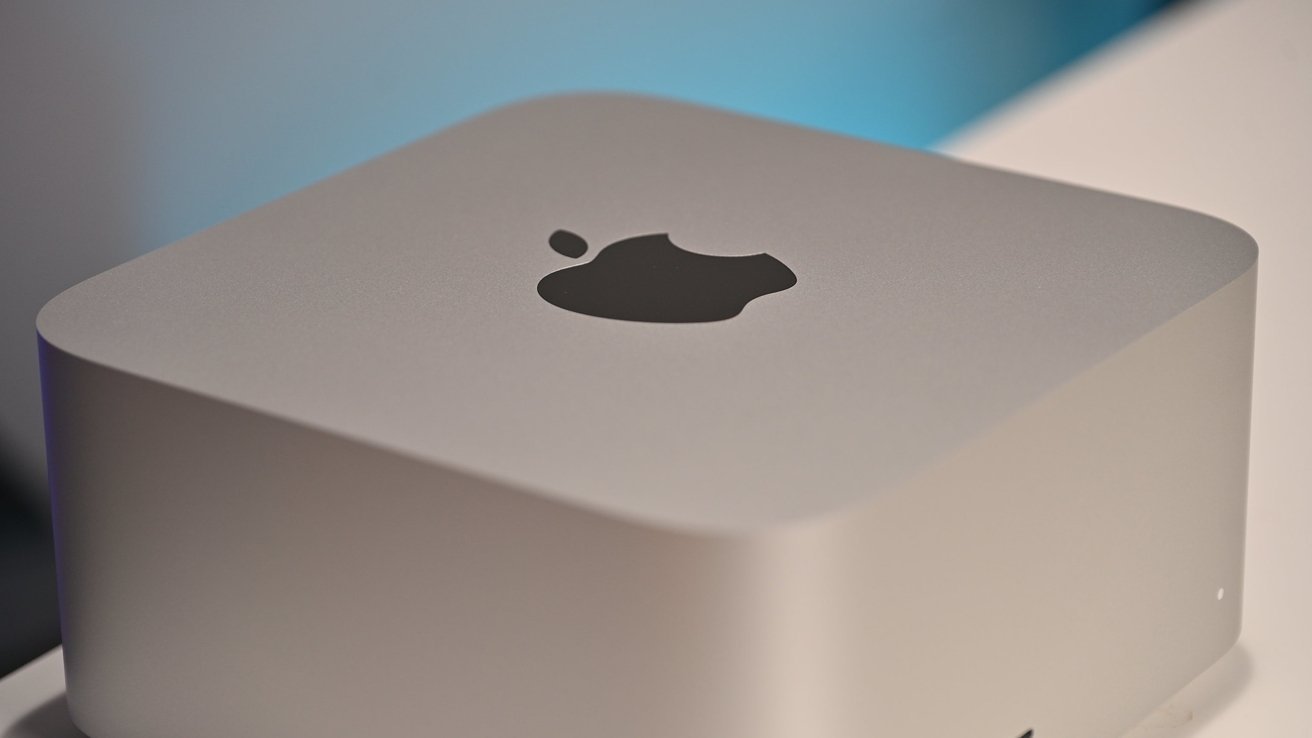





Apple has quietly revised the specifications of its new Mac Studio, removing references to PCIe 6.0 from promotional and press materials following what appears to have been an inaccurate technical claim.
Apple typically highlights the latest technologies and advanced specifications when introducing new products. However, in the case of the new Mac Studio, the company has moved to correct a specification included in its original launch material.
According to reports first spotted by MacGeneration, references to PCIe Gen 6 have been removed from press releases relating to the new M5 Ultra Mac Studio. Earlier versions stated that the device’s high-speed storage was powered by PCIe 6.0, while the updated material now refers more generally to a “next-generation SSD architecture.”
The correction has appeared in the English-language version of Apple’s press release, although the French version reportedly still contains a reference to “PCIe Gen 6.”
Apple has not officially confirmed which PCIe specification is used in the new Mac Studio. One possibility is PCIe 5.0, which is also believed to be used in the M5 Max MacBook Pro.
While some observers may speculate that Apple removed the reference to avoid disclosing previously unannounced technology, the more likely explanation appears to be a mistake in the original promotional material. Apple would have little reason to conceal the use of PCIe 6.0 if the technology were genuinely included in the device.
The error may simply have resulted from incorrect information being provided during the preparation of the press materials or from a typographical mistake.
The Promise of PCIe 6.0
The PCIe 6.0 standard was announced in June 2019, several months after PCIe 5.0 was ratified. The standard was designed to deliver transfer speeds of up to 64 gigatransfers per second, double the capability of PCIe 5.0 and four times that of PCIe 4.0.
Although Apple has consistently adopted newer technologies across its hardware lineup, it has yet to officially introduce PCIe 6.0 support in its products.
The 2023 Mac Pro, for example, supports fourth-generation PCIe expansion cards, according to Apple’s technical documentation. Meanwhile, the M5 Max MacBook Pro is believed to achieve its high transfer speeds through PCIe 5.0, although Apple has not officially confirmed the specific standard used in that model.
How to View Translated Lyrics in Apple Music
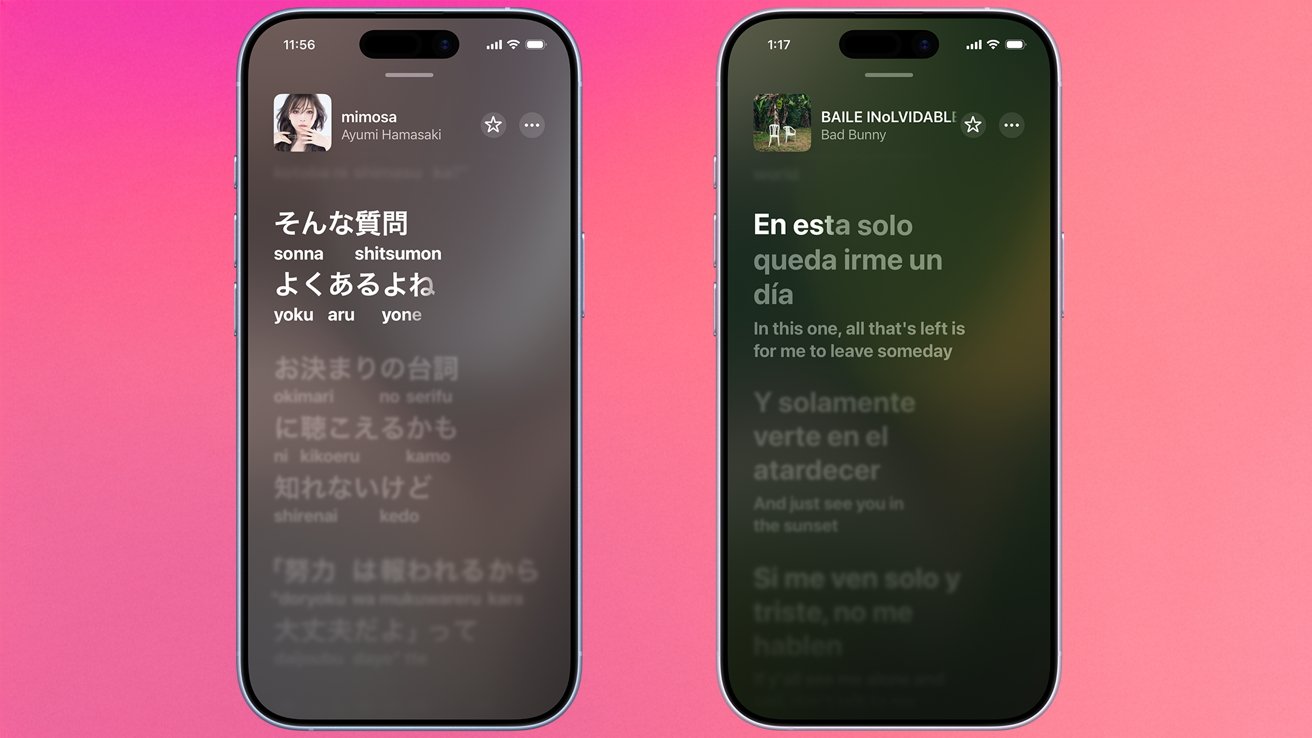
Apple introduced several new features to Apple Music with iOS 26, including Lyric Translation and Lyric Pronunciation, making it easier for users to understand and sing along to songs in foreign languages.
Apple Music has offered lyrics for some time, but the latest update expands the experience with new tools designed to help listeners connect more closely with music from around the world.
Lyrics Pronunciation
For users who enjoy singing along to foreign-language songs, Lyrics Pronunciation provides a phonetic guide to help make the words easier to pronounce, even without knowing the language.
Lyric Translation
Lyric Translation is designed for listeners who want to better understand the meaning of songs in other languages. The feature displays translations line by line, helping users follow the meaning of the lyrics as they listen.
Before using either feature, users first need to know how to access lyrics in Apple Music.
How to View Lyrics in Apple Music
On iPhone, iPad or Mac:
Open the Apple Music app on your device.
Find and play the song for which you want to view the lyrics.
Tap or click the song to open the Now Playing screen.
Locate the Lyrics button near the playback controls and select it.
For many songs, Apple Music displays time-synchronised lyrics that move along with the music. Some popular and recently released tracks also feature a karaoke-style experience, with the current lyrics highlighted in time with the song.
However, lyric availability varies by track. Some songs may only display static lyrics, while others may not have lyrics available at all.
Once you have accessed the lyrics interface, you can explore the new Lyrics Pronunciation feature to make singing along to foreign-language music easier.
Apple Removes PCIe 6.0 Claims from New Mac Studio Specifications