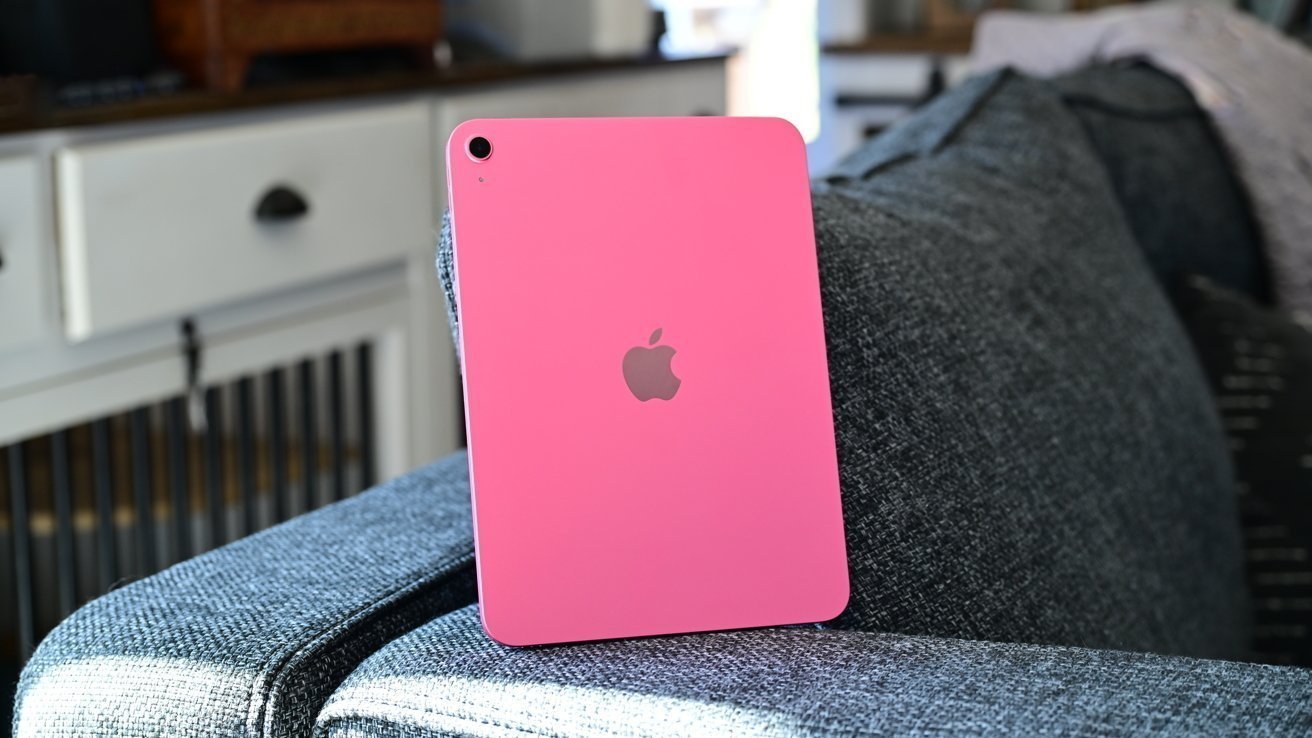





Apple is reportedly preparing a new wave of iPad updates for early 2027, with the entry-level iPad, iPad Air and iPad Pro expected to receive upgrades during the first half of the year.
Following the iPad mini update in October 2026, Apple’s remaining tablet lineup is expected to undergo further changes, according to Bloomberg’s Mark Gurman in his “Power On” newsletter.
The upcoming releases are expected to include a refreshed entry-level iPad, alongside further display improvements across the iPad lineup. Apple is also reportedly planning an OLED display upgrade for the iPad mini family as part of its longer-term product roadmap.
The iPad Pro is expected to receive a more substantial hardware upgrade, potentially featuring Apple’s next-generation M6 chip and a vapor chamber cooling system. The new cooling technology could help manage heat more effectively, reducing thermal throttling during demanding activities such as gaming and intensive artificial intelligence workloads.
According to Gurman, the anticipated updates are expected to arrive during the first half of 2027, unless individual products face delays.
Earlier Reports Point to a Similar Timeline
The latest report builds on previous Bloomberg coverage outlining Apple’s expected iPad release schedule.
In June, Bloomberg reported that four iPad Pro models were being prepared for an update in spring 2027, with vapor chamber cooling also mentioned as a potential addition.
By July, the publication had provided a more detailed timeline, suggesting that the iPad mini would be refreshed in October 2026, the entry-level iPad in the first quarter of 2027, and the iPad Air and iPad Pro in spring 2027.
The October newsletter reiterated expectations for the entry-level iPad’s 2027 refresh, reinforcing the possibility of a busy first half of the year for Apple’s tablet lineup.
Although Apple has yet to confirm these anticipated releases, the reports suggest that the company is preparing several hardware improvements across its iPad range in 2027.
Apple Reportedly Plans to Phase Out Non-Touch MacBook Pros Except the Base 14-Inch Model

Apple is reportedly planning to discontinue its premium non-touch MacBook Pro models when it introduces the second generation of touch-enabled MacBook Pros in 2027, leaving the entry-level 14-inch model as the main non-touch option in the lineup.
The current 14-inch and 16-inch MacBook Pro models featuring M5 Pro and M5 Max chips are expected to remain available for now. However, according to Bloomberg’s Mark Gurman in his “Power On” newsletter, Apple could eliminate these premium non-touch versions when the next-generation touch models arrive.
The newly introduced MacBook Pro models feature PROLED displays with touchscreen capabilities and come at a premium price, starting at $2,899 for the 14-inch version and $3,399 for the 16-inch model. Meanwhile, the entry-level 14-inch MacBook Pro, powered by the M6 chip, offers a more affordable starting price of $1,999 but does not include a touchscreen.
The next-generation entry-level 14-inch MacBook Pro is reportedly expected to move to the M7 chip and adopt a thinner, lighter design while retaining its non-touch display. The premium models, meanwhile, are expected to feature M7 Pro and M7 Max processors, with greater emphasis on artificial intelligence capabilities.
If Apple maintains its current pricing structure, the gap between the entry-level MacBook Pro and the starting price of a touch-enabled premium model could reach $900 in 2027. Such a difference may influence buyers who want the performance and display quality of a MacBook Pro without paying extra for touchscreen functionality.
Apple’s strategy would follow its established practice of retaining older or lower-tier models to provide more affordable entry points for consumers and enterprise customers. By differentiating the standard and premium models through display technology, performance and design, the company can maintain options across different budgets.
The latest MacBook Pro models with PROLED XDR displays are scheduled to begin shipping on November 6, with pre-orders already open. Apple has yet to confirm its plans for the 2027 lineup, so the reported changes remain speculative.
Apple’s Remaining iPad Updates Expected to Roll Out in Early 2027